🌙 for macOS
Somnia.
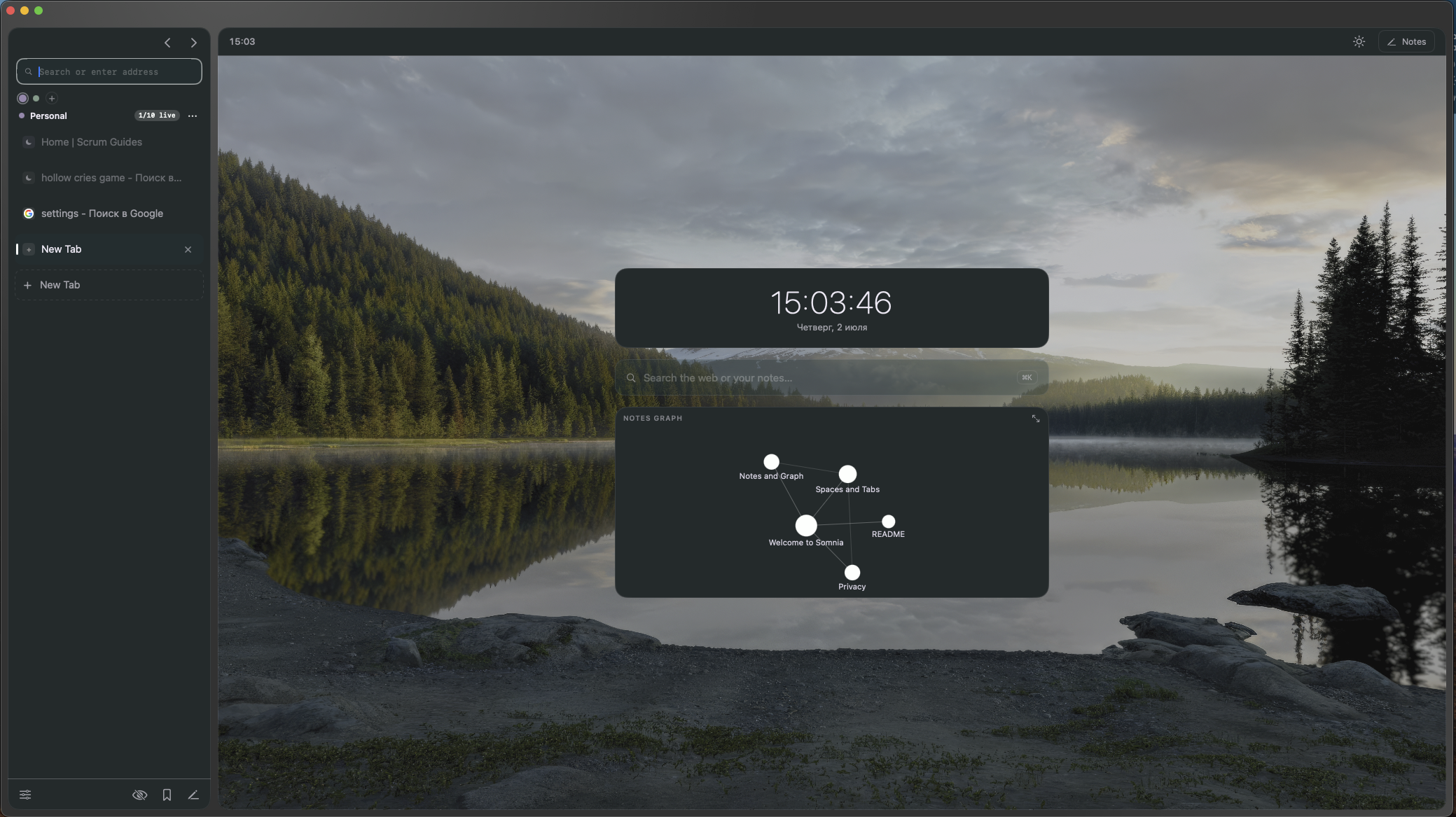
A native macOS browser fused with an Obsidian-style notes vault. Browse on the left, keep linked markdown notes on the right — and see them as a graph.
Why
Other tools pick a side. Somnia is both.
Zen and Orion are browsers; Obsidian is notes. Somnia is one native app — a browser whose second half is a real linked-notes vault with a connection graph. If you research on the web and think in notes, the two live together instead of in separate windows. Built with SwiftUI + WebKit — no Electron, no third-party dependencies.
Features
A quiet workspace, not a wall of buttons.
Browser ◗
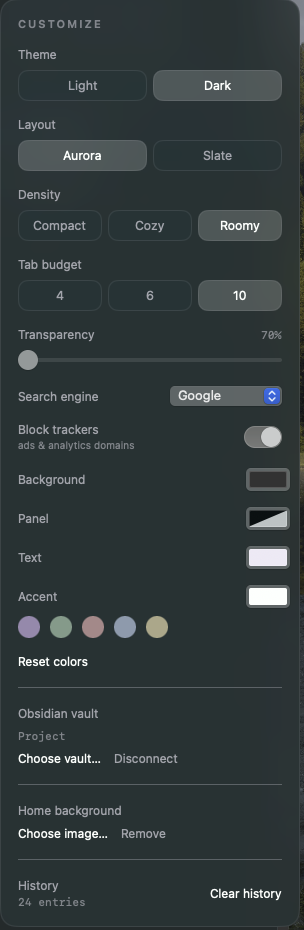
- Spaces — color-coded tab workspaces
- Light on memory — lazy loading, tabs sleep on an LRU budget and release their web process
- Reader Mode — a clean, themed reading view
- Find on page, history, autocomplete, favicons, downloads manager
Notes ✳
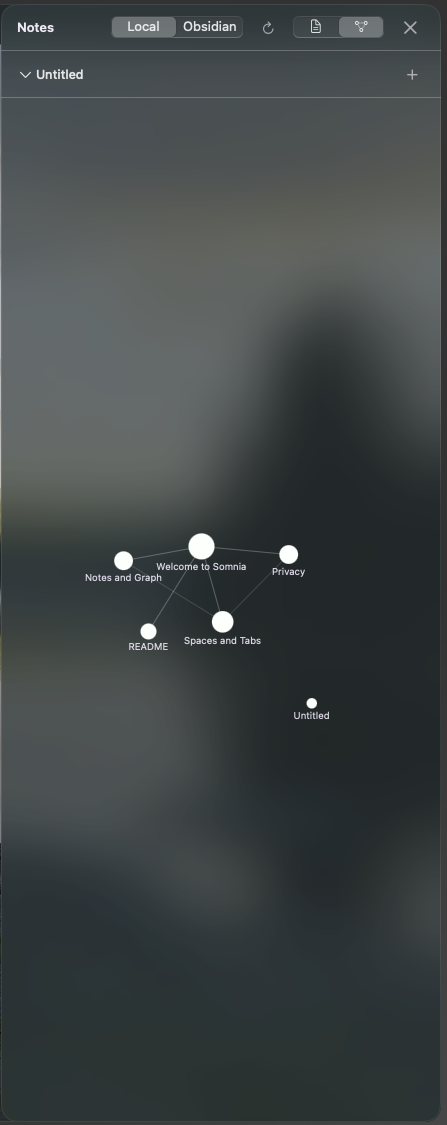
- Plain-markdown vault with [[wiki-links]] and automatic backlinks
- Force-directed graph of your notes, mini-graph on the Home screen
- Connect an external Obsidian vault (read-only)
Privacy ●
- Tracker / ad blocking via a native content blocker
- Private tabs — no history, no disk cache
- Local-first — notes and history stay on your machine
In motion
Your notes, as a constellation.
Keyboard first
Everything a shortcut away.
⌘Tnew tab
⌘Kquick open
⌘⇧Nprivate tab
⌘⇧Rreader mode
⌘Ffind on page
⌘1–9jump to tab
⌘[ ⌘]back / forward
⌘,customize
Build from source
No Xcode project. Just swiftc.
# macOS 14+ · Xcode Command Line Tools only
$ git clone https://github.com/Tequila-sunset671/somnia.git
$ cd somnia && ./build.sh
$ open Somnia.app
The prebuilt release is ad-hoc signed, so macOS will warn on first launch: right-click → Open once. Or build it yourself — recommended, and it takes under a minute.